
Digital Signage for Museums, Public Spaces, and Events in Singapore
Digital signage in a museum, an exhibition hall or a public concourse has a very different job from the same screen in a meeting room. It has to grab attention in a crowded visual environment, hold up to public use, support multilingual audiences, and let non-technical staff update content quickly. This guide maps the use cases, hardware and content planning that work in Singapore's museums, attractions, public spaces and events.
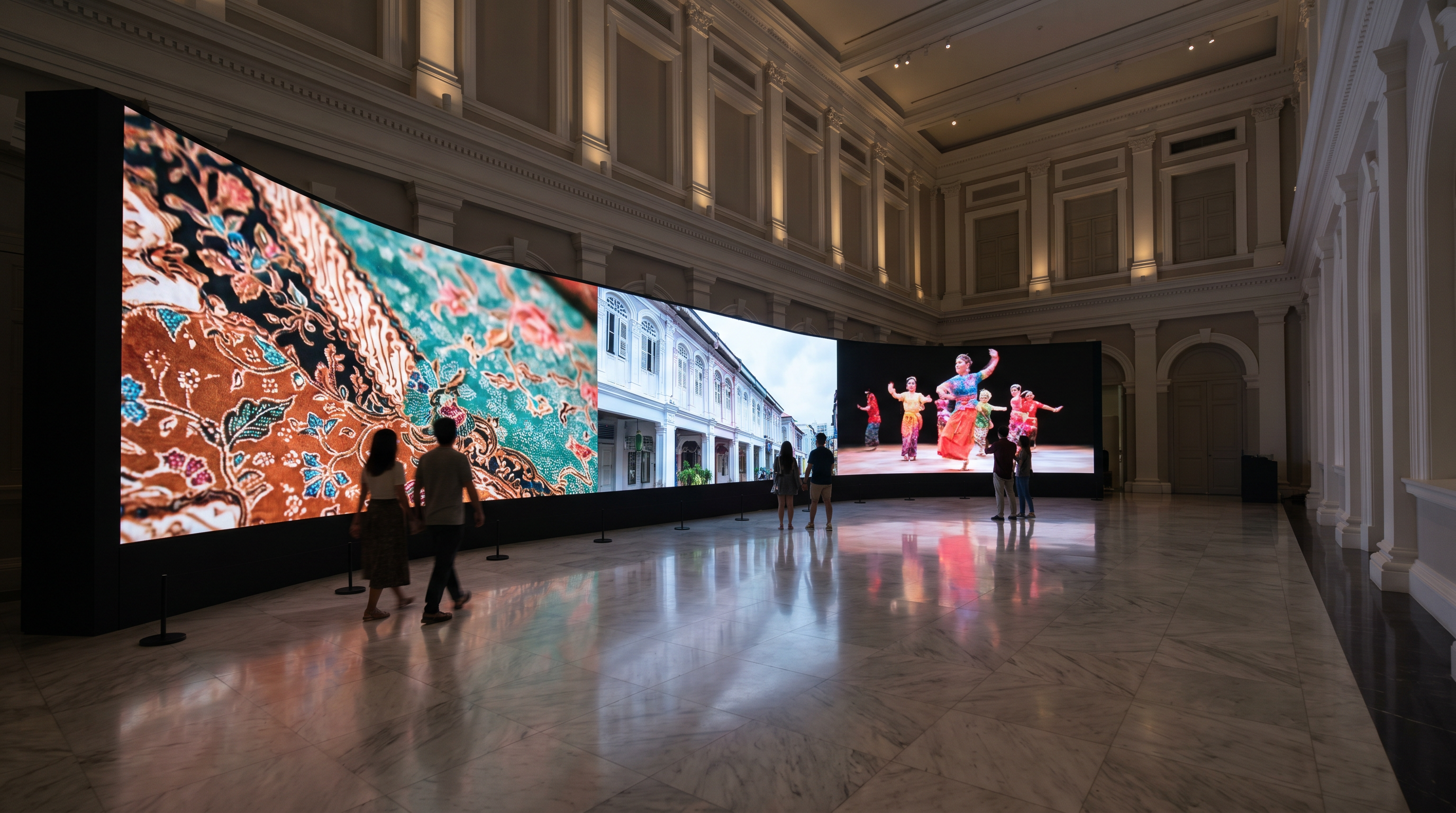
What Digital Signage Does in Public Environments
Digital signage in a museum, attraction, public space or event has three jobs that commercial office signage does not:
- Attract attention in a noisy visual environment where visitors are choosing between many competing stimuli.
- Hold up to public use — dust, humidity, accidental touch, occasional vandalism, and 12–18 hours of daily operation.
- Update quickly — exhibitions rotate, events change daily, public-service messages shift with the news cycle.
The signage is also often the only point of contact between the venue and the visitor. Done well, it answers questions, sells tickets, and shapes the visitor's experience. Done poorly, it becomes a static poster on a brighter screen.
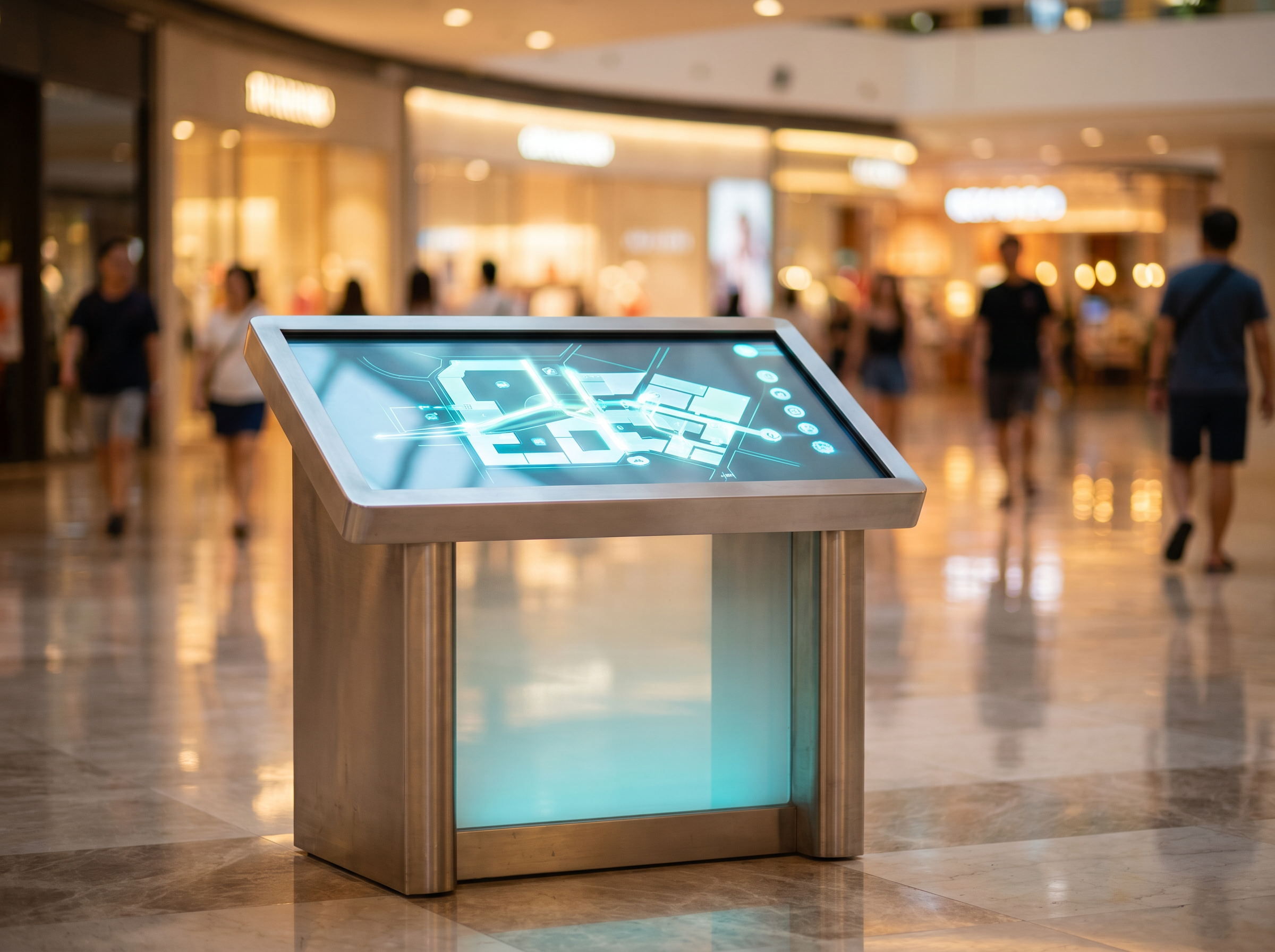
Museum and Attraction Use Cases
Singapore's museums and attractions (National Museum, ArtScience Museum, the various Asian Civilisations Museum galleries, Sentosa's attractions) are early adopters of digital signage. The use cases that consistently work:
Exhibit interpretation panels. Replacing a printed label with a 32" or 43" touch panel that shows the artefact, its context, related objects, and a short video. Interpretation panels extend dwell time by 30–60% when done well. The risk is over-designing them — keep text short and the video loop under 90 seconds.
Multilingual wayfinding. A single panel that can switch between English, Mandarin, Malay, Tamil and other visitor languages on demand. Eliminates the need to print 4–6 versions of every static sign.
Donor and sponsor walls. Dynamic lists updated monthly without the cost of re-printing. The "sponsor of the month" can be highlighted with motion.
Ticketing & queue management. In galleries with timed entry, panels at the entry show current wait times and the next available slot. In exhibition halls, queue numbering systems integrated with digital signage keep visitors informed.
Interactive exhibits. Touch-driven experiences — timelines, comparison views, games, quizzes — that work especially well for younger audiences.
Event and Exhibition Use Cases
Events present a different challenge: the signage needs to be installed fast, run reliably for 1–7 days, and either move on or be re-configured for the next event. In Singapore's events market (conferences, trade shows, product launches, pop-up exhibitions), the use cases that work:
Stage backdrops and set walls. LED video walls behind the stage that show branding, slides, video, or live camera feeds. Standard resolution for a stage backdrop is 2.6mm to 3.9mm pixel pitch (P2.6–P3.9). Lower pitch = sharper image at close viewing distance.
Sponsor loops. Sponsored content running on screens in the foyer, queue area and bar. Sold by the slot, scheduled in the CMS, and reported on automatically with a screenshot per play.
Info kiosks. Floor-standing or wall-mounted touch screens showing the agenda, exhibitor list, floor plan, and live wayfinding. Many events now use a single web app that runs in the kiosk's browser and updates centrally.
Registration & check-in signage. Self-service kiosks that print badges and direct attendees to the right room. Pair with a small digital sign at the registration desk showing "Welcome, [Company name]" pulled from the registration system.
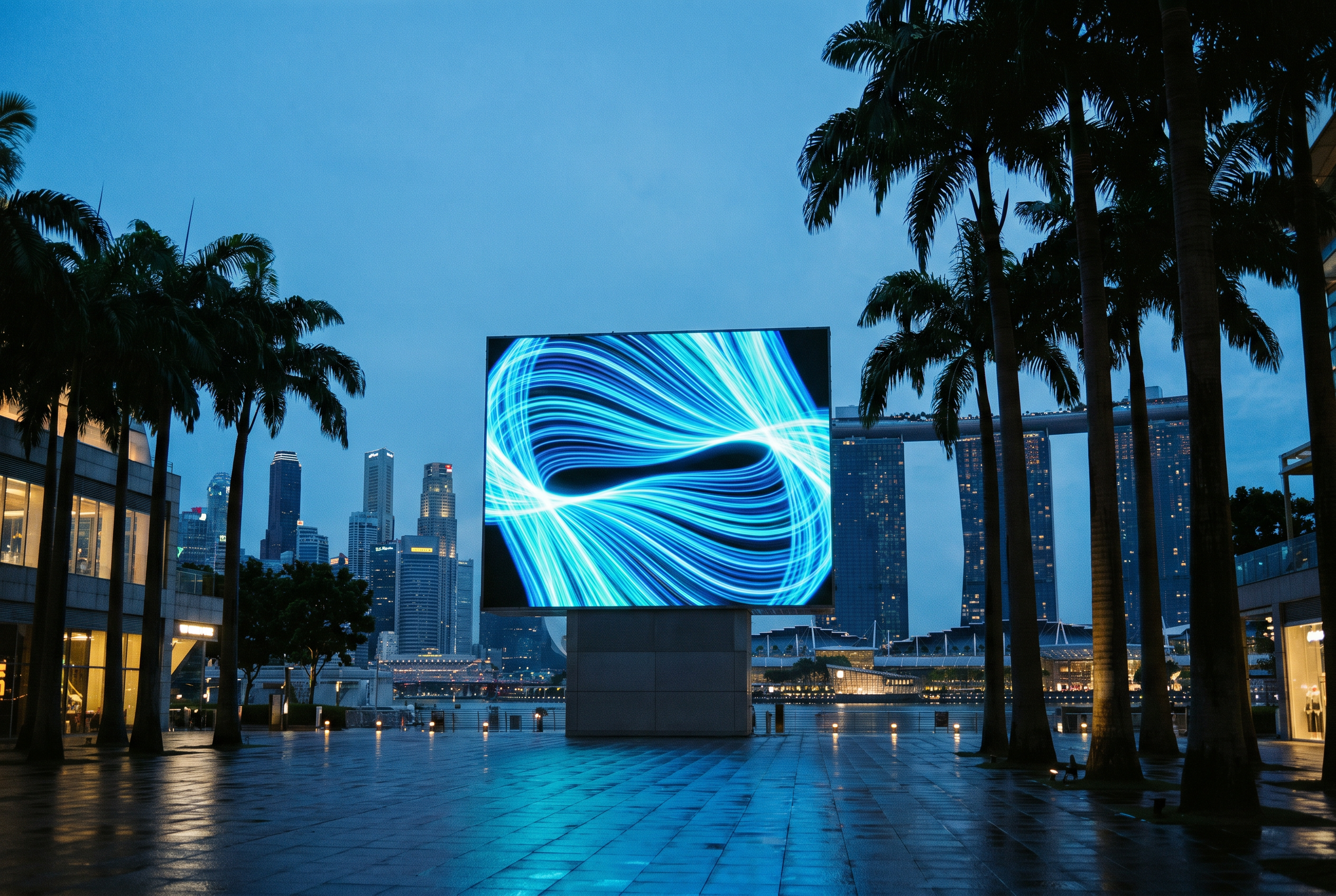
Outdoor concourses. For trade shows and outdoor exhibitions, weatherproof displays (IP65+) on wheeled carts or ground-staked. Singapore's humidity and rain are harsh on consumer panels — always spec outdoor-rated hardware for outdoor use.
Design Considerations for Public Audiences
Three design constraints that always apply to public-audience signage:
Reading distance and time. A visitor reads an exhibit label for 10–30 seconds. A wayfinding sign for 3–5 seconds. A sponsor loop for 2–3 seconds. Design for the shortest of these: large type, high contrast, minimal text, and motion that supports (not replaces) the message.
Multilingual support. Singapore is officially multilingual. Public-facing signage should at minimum support English and Mandarin. For museums and attractions, Malay and Tamil are also expected. The right way to do multilingual is layered (a single panel cycles languages with a clear indicator) or QR-driven (a QR code to read in the visitor's language on their phone).
Accessibility. Public-facing signage has a higher accessibility bar than corporate signage: large text options, colour-blind-safe palettes, audio descriptions for the hearing-impaired, and high-contrast modes. WCAG 2.2 AA is the minimum; AAA is worth aiming for in museums.
Hardware, Durability, and Installation
Public-space signage hardware has to survive the environment. The five things to spec carefully:
- Brightness. Indoor: 500 to 1,500 nits. Outdoor or window-facing: 2,500 to 5,000+ nits. Anything under 1,000 nits is invisible in direct Singapore sun.
- IP rating. IP54 minimum for outdoor (protected from dust and water spray). IP65 for fully exposed outdoor. Anything lower and humidity will eventually kill the panel.
- Operating temperature. Singapore's outdoor ambient hits 35°C with high humidity. Spec panels rated for 0–50°C operating, with active cooling if the panel is in direct sun.
- Mounting & enclosure. Stainless or powder-coated steel for outdoor enclosures. Anti-vandalism considerations (polycarbonate screens, recessed mounts) in unsupervised areas.
- Network. Wired Ethernet as primary, 4G/5G cellular as failover. Public Wi-Fi in Singapore is generally unreliable for signage.
Content Planning and Updates
Hardware is the easy part. The hard part is the content: who creates it, who updates it, and how do you keep it fresh without an in-house design team.
For museums and attractions. Content is usually managed by the curatorial or marketing team. They need a CMS that lets non-technical staff update text, swap images, schedule playlists, and run a daily health check. VersalSign and other modern CMSs support role-based access — the curator can edit text but not the design, the designer can edit the design but not the schedule.
For events. Content is usually managed by the AV or production team, often in the week before the event. The CMS needs to ingest PowerPoint, Keynote, MP4 and image files quickly and let the team schedule them in a timeline view.
For public spaces. Content is usually managed by a government agency or a contracted operator. The CMS needs strong audit trails, scheduled content approval workflows, and the ability for non-technical staff to push emergency messages (transit delays, public safety alerts) that override the regular schedule.
Need a public-space signage audit? Versal Media's free 30-minute consultation covers hardware, CMS, content workflow and ongoing support — written scope within 48 hours.
FAQ
How is digital signage in public spaces different from signage in a meeting room?
What is the right screen size for a museum exhibit?
How do you handle multilingual content in a museum?
How long does it take to install a public-space signage network?
What is the typical lifespan of public-space digital signage?
Can public-space signage be solar powered?
Have a project in mind?
We’ll send a clear quote in one business day.
Tell us your space, audience and goal. We’ll recommend the right setup — hardware, software and content — and turn around a fixed-scope proposal.